

One
Guests scan a QR code
Place a card at each table or tuck the code into your programs. A scan opens Moments right in the browser — no app store, no account, no fumbling at the bar. Make your cards here.
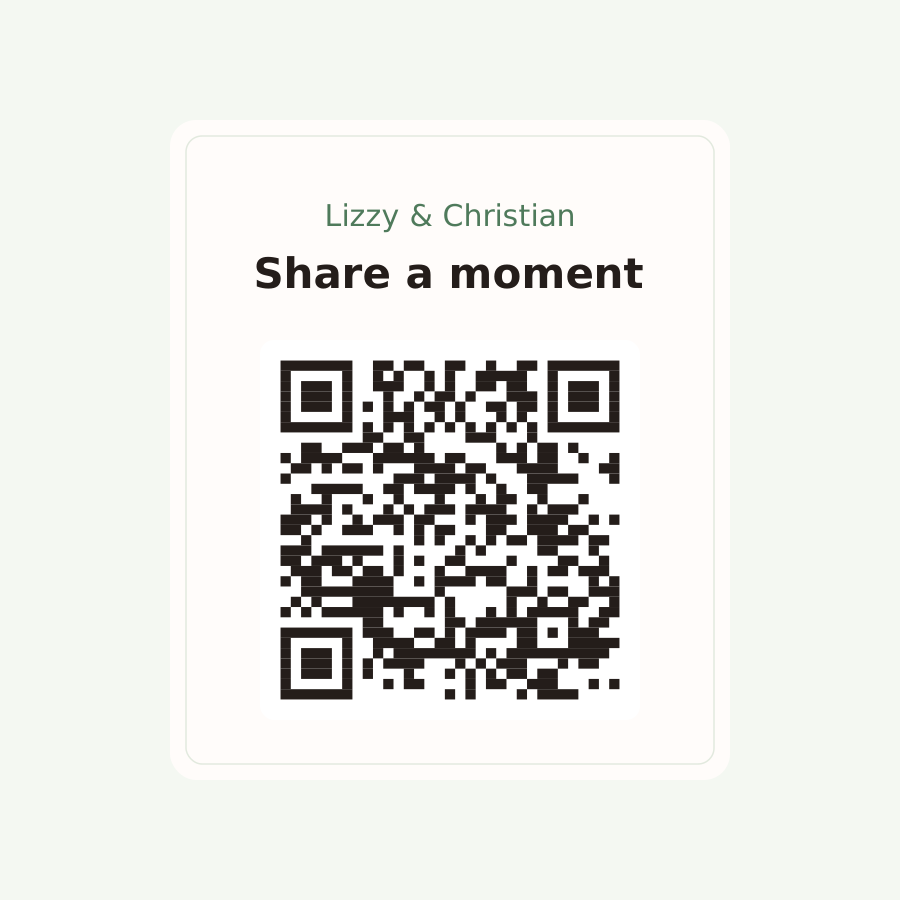
Create thoughtful prompts that guide your guests to capture the moments, stories, and memories you’ll want to relive. Guests scan a QR code and are invited to share their perspective throughout the day. Their moments are yours, instantly.
No app download for guests · Works on any phone · Ready in minutes
How it works
Put a card on every table. Your guests do the rest — and everything they capture comes back to you in one place.
One
Place a card at each table or tuck the code into your programs. A scan opens Moments right in the browser — no app store, no account, no fumbling at the bar. Make your cards here.
Two
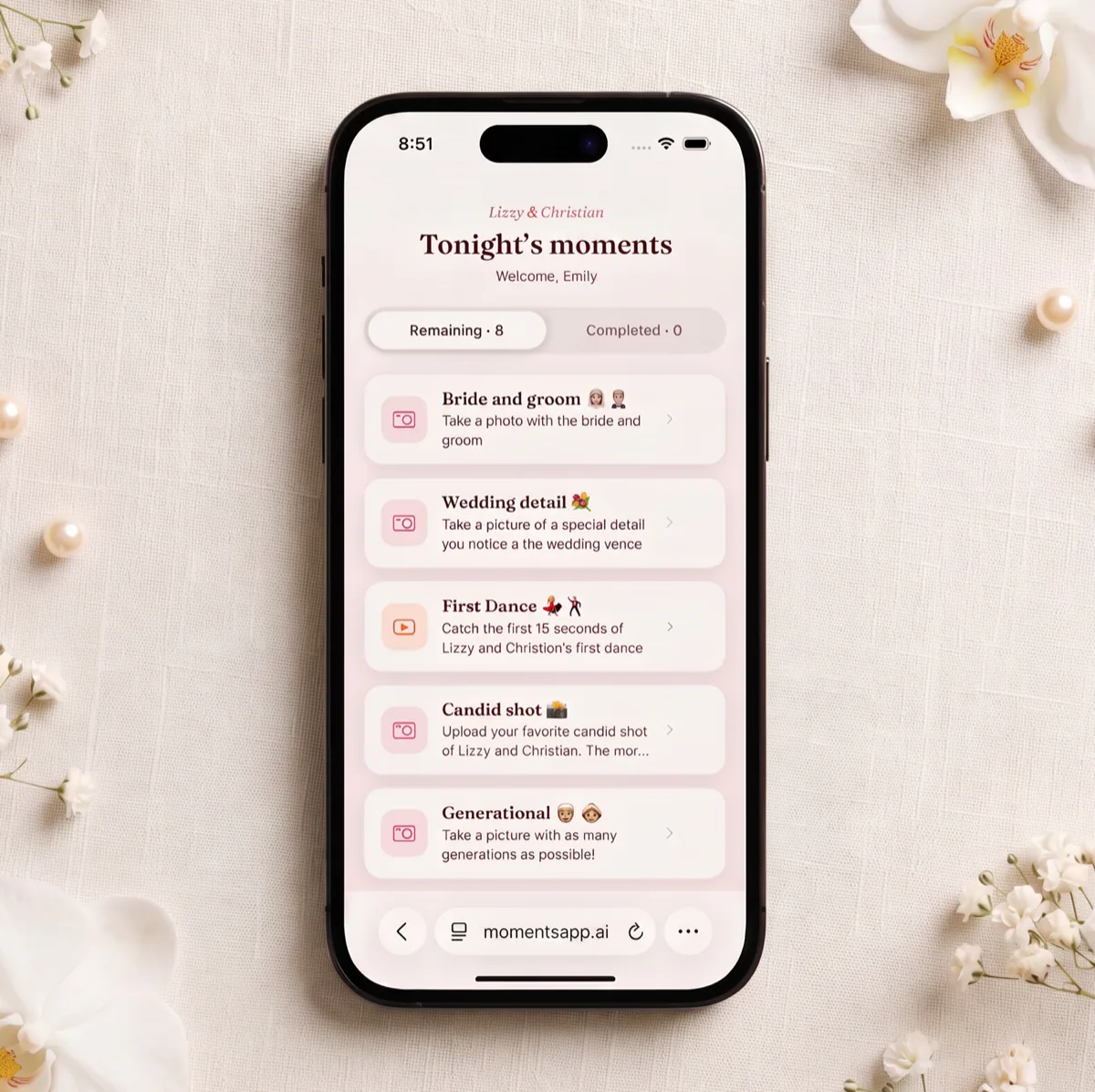
You choose the moments worth remembering — the first dance, the cake, a favorite line from the vows. Guests see a simple checklist and fill it in as the night goes.
Three
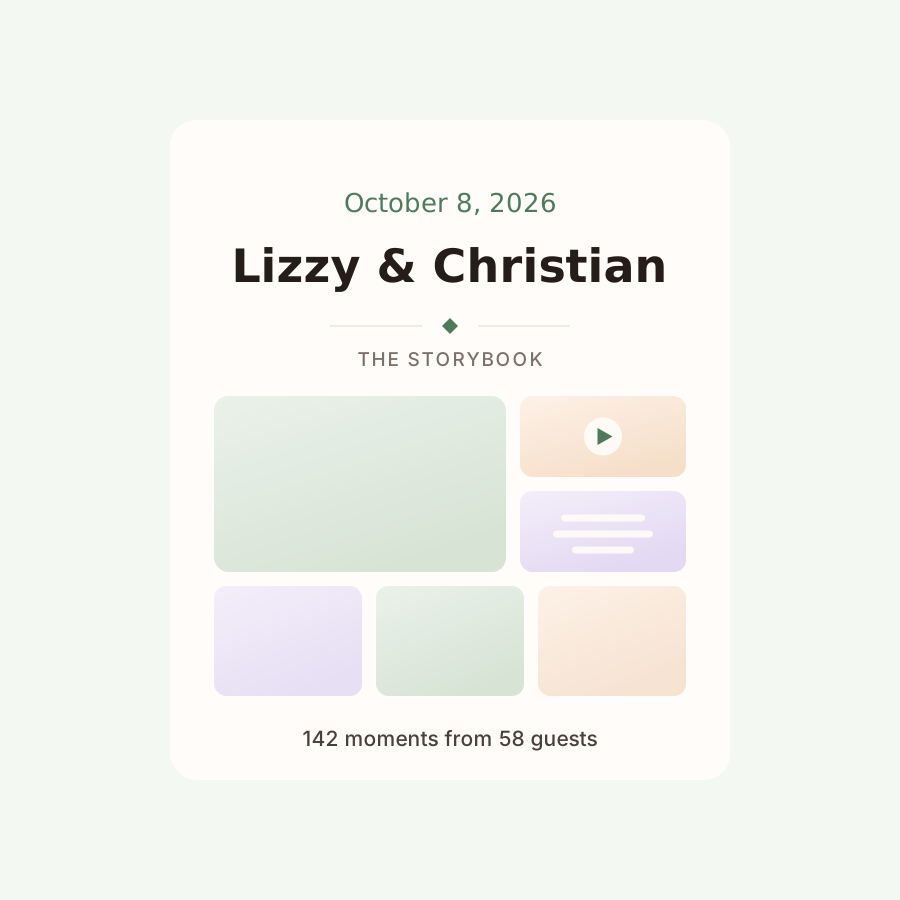
Every photo, clip, and note arrives already grouped — by moment, or by the guest who captured it. Nothing to sort, nothing to chase down. Just open it and read.
What guests can share
A wedding is not only what it looked like. Moments collects the sound of it and the words for it too.
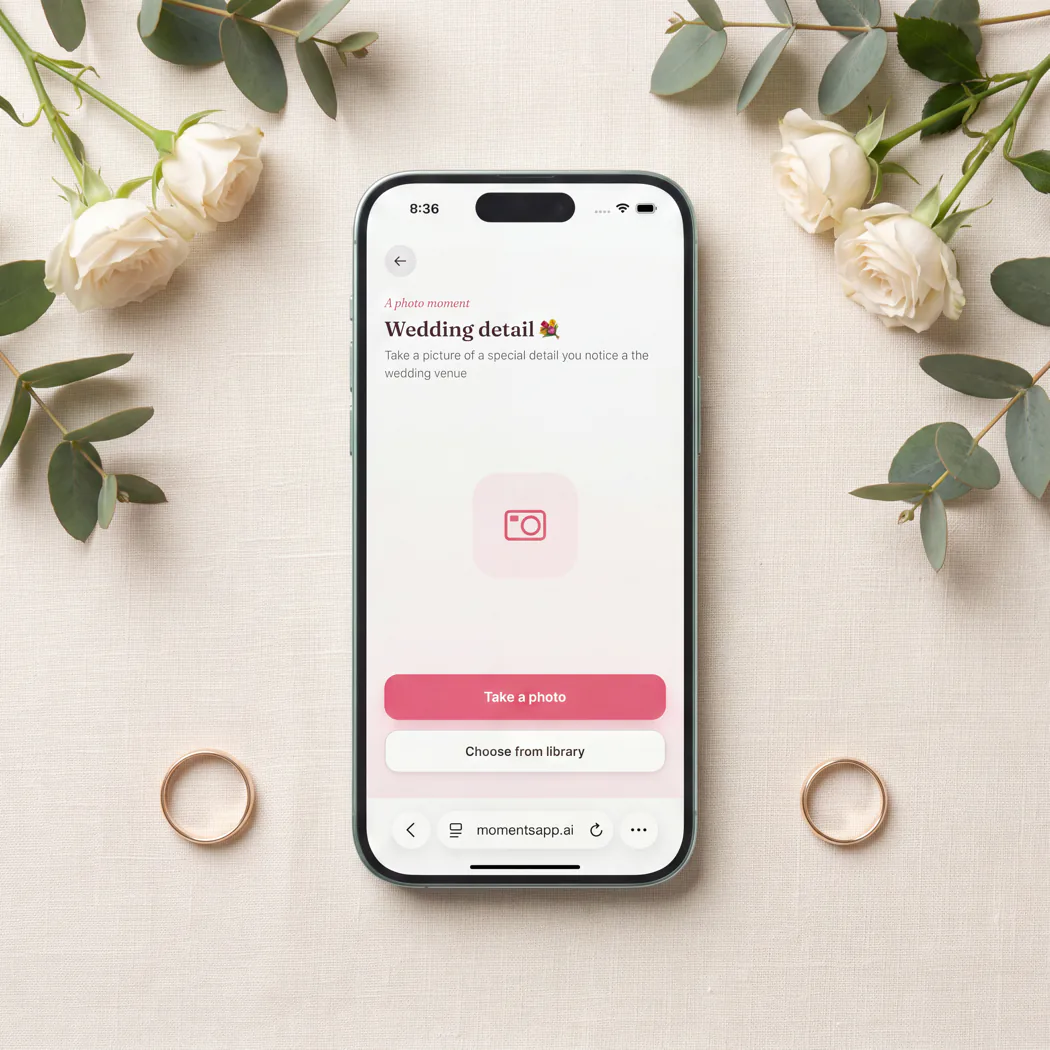
A picture with the two of you before the dancing starts, or the smallest detail of the room everyone else walked past.
Ten seconds of the first dance from the back of the room, or a toast recorded from the seat right beside it.
A favorite line from the vows, advice for year one, or how they knew you two would work. The guest book, but everyone actually signs it.
Pricing
Pay once for your wedding. Your guests never pay a thing.
$99 / wedding
Every moment from your day, organized and easy to look through.
Questions
No. They scan the QR code with their phone camera and Moments opens in the browser. That’s the whole setup — it works the same on iPhone and Android.
We recommend one large QR code by the entrance and small ones on the tables, so nobody has to go looking for it. The rest is just asking — tell your guests it matters to you and they will do it.
Use our free card maker. Pick a table card, welcome sign or small card, paste the guest link from the app, and download a print-ready PDF or PNG.
Guests can capture their moments whenever they like and submit once they have signal again. Nothing is lost if the reception hall has a thick stone wall.
Only you, unless you decide otherwise. Submissions go straight to your storybook, and you choose whether to share the link with family and friends.
You start from a template of suggested moments, then make it yours — edit any of them, remove the ones that do not fit your day, and add as many of your own as you like.
Most couples land between six and ten. Enough to keep the night interesting, few enough that guests finish them before the cake.
Not at all — it fills in around them. Your photographer covers the day you planned for; Moments catches the hundred small things happening while they’re pointed somewhere else.