
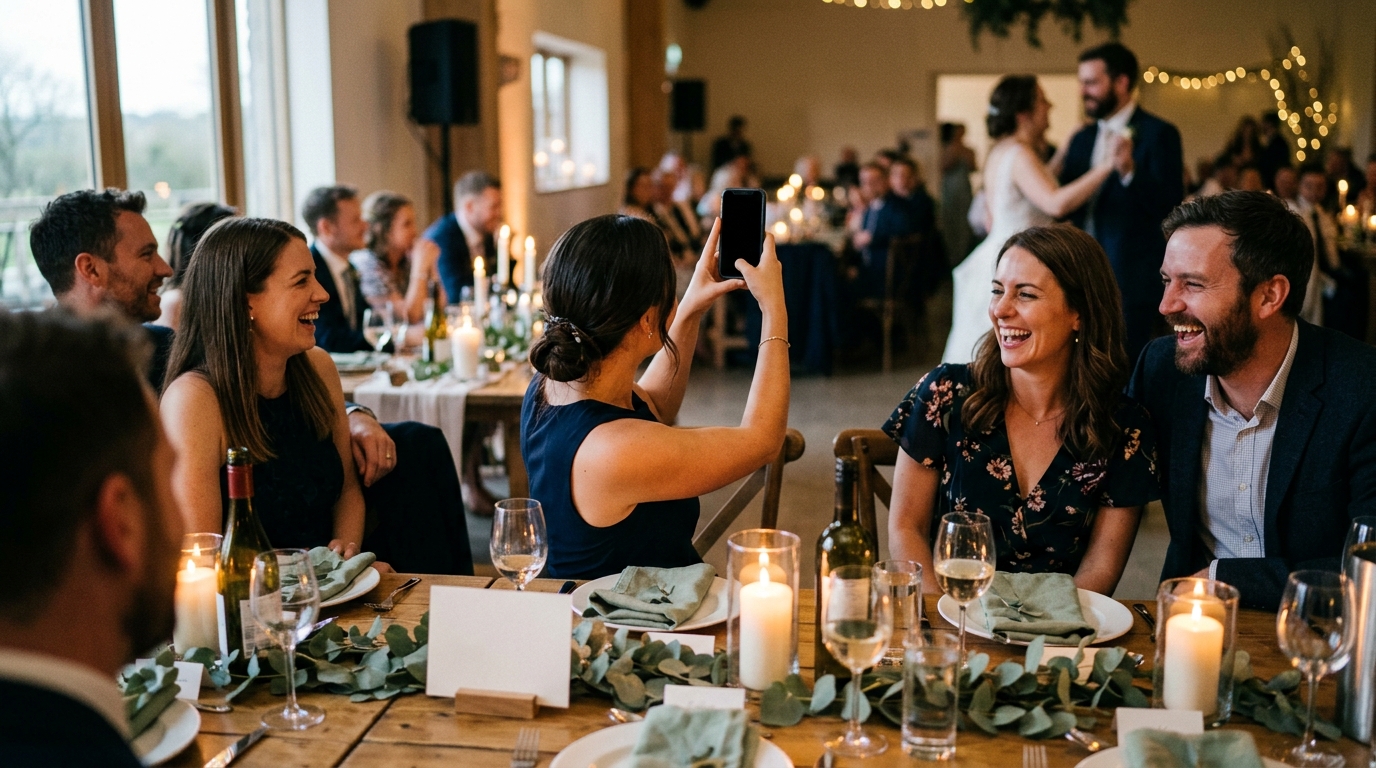
Somewhere around the time you book a photographer, a second question turns up: what about everyone else's pictures? Your guests will take hundreds of them, and most will never reach you. A wedding guest photo sharing app is meant to fix that, by giving every guest one easy place to send what they captured and giving the two of you one place to find it afterward.
There are a lot of these tools, and from the outside they look alike. This guide explains what they actually do, the kinds you will be choosing between, and the questions that separate one you will be glad you used from one your guests ignore. We make one of them, Moments, so we will say plainly where it fits and where something else may suit you better.
What a wedding guest photo sharing app actually does
Strip away the marketing and every tool in this category does three jobs. How well it does each one is what you are really comparing.
- It gets guests in. Somehow a guest has to go from holding a drink to sending you a photo. That might be a link in a text, an invitation to an album, or a QR code on a card at their table.
- It takes what they give. Photos, certainly. Sometimes video. Occasionally a written note. The more it accepts, the more of the day comes back to you.
- It hands the results to you. This is the part couples forget to ask about. A thousand files in one unsorted pile is a chore. The same files grouped and credited are a keepsake.
Think of your uncle filming the toasts from the back table. For that clip to reach you, he has to know where to send it, manage it without a fuss, and have it land next to everything else from the toasts. If any one step breaks, the clip stays on his phone.
The kinds of tools couples choose between
Most options fall into one of five groups. Each is good at something, and plenty of couples combine two of them.
| Option | How it works | What it is good at | What to think about |
|---|---|---|---|
| Shared albums in a photo service, such as Google Photos or iCloud | You create an album and invite people to add to it. | Familiar, and many guests already use one of them. | Contributors generally need an account with that service, and everything arrives in one long stream. |
| A wedding hashtag | Guests post to their own social accounts with your tag. | Effortless for guests who post anyway. | Photos are scattered across other people's accounts, often publicly, and guests who do not post are left out. |
| QR code upload galleries | Guests scan a code and upload from their camera roll into one gallery. | Quick to join, and collects a lot of photos in one place. | Guests choose what to shoot, so you tend to get many versions of the same few scenes. Ask how the gallery is organized. |
| Prompt-based capture, which is what Moments does | You choose the moments you want. Guests scan a code and answer photo, video and written prompts. | You get the specific moments you asked for, already grouped. | You spend a few minutes beforehand deciding what to ask. |
| Disposable cameras on the tables | Guests pick one up and shoot. | Charming, tactile, and fun for guests of any age. | No video, no notes, and you see nothing until the film is developed. |
None of these replaces your photographer, and none of them should try. The photographer covers the day you planned. Guests cover the hundred small things happening while the photographer is pointed somewhere else.
How to choose a wedding guest photo sharing app: eight questions
Bring these to any tool you are considering, including ours. The answers are usually on the product's own FAQ page.
- Do guests have to download anything? Every extra step loses people. A trip to the app store in the middle of cocktail hour is a big one. Look for something that opens in the phone's browser straight from the camera.
- Do guests need an account? Your grandfather is not going to create a password at the reception. Nor, honestly, are your friends.
- Does it work the same on iPhone and Android? Your guest list is a mix. The tool should not care.
- What can guests send? Photos only, or video and written messages too? A ten-second clip of the dance floor and a line of advice from your aunt are very different keepsakes from a still photo.
- Who can see what is submitted? Some tools show everything to every guest, and some keep it between the two of you. Decide which you want, then check.
- What happens when the venue has poor signal? Barns, vineyards and basements are lovely and badly connected. Ask whether guests can capture in the moment and submit later.
- How does it all come back to you? One pile, or sorted? Credited to the guest who took it, or anonymous? Full resolution, or compressed?
- Can you download everything and keep it? A keepsake you cannot take with you is a subscription, not a keepsake.
Cost belongs on the list too, of course. Check two things: that guests never pay, and what is and is not included for the couple, such as limits on guests or uploads. With Moments, guests never pay, there are unlimited moments from unlimited guests, and the current price is on the pricing section of our site.
How Moments answers those questions
Here is where we land, so you can compare like with like.
- No app for guests. They scan a QR code with their phone camera and Moments opens in the browser. No app store, no account, and it works the same on iPhone and Android. The three steps are here.
- Three prompt types. Photo, video and written. Guests see a simple checklist and fill it in as the night goes.
- You start from a template. Moments suggests a set of moments. Edit any of them, remove the ones that do not fit, and add as many of your own as you like. Most couples land between six and ten prompts.
- Spotty signal is fine. Guests can capture whenever they like and submit once they have signal again.
- Private by default. Submissions go straight to your storybook. Only the two of you see them unless you choose to share the link.
- Setup takes minutes, on the web.
Where something else may suit you better: if all you want is a large pile of whatever guests happened to shoot, and your circle already lives inside one photo service, a shared album there is a reasonable choice. If you love the look of film, put cameras on the tables as well. These things sit happily side by side.
Where the photos end up matters most
The week after the wedding is when the difference shows. Picture opening a single album holding everything your guests sent. Dozens of near-identical photos of the first dance. A run of blurry ones from the bar. Somewhere in the middle, the one picture of your grandmother laughing. Sorting that is a job, and it tends not to get done.
Now picture it arriving sorted. In a Moments storybook, every photo, clip and note is already grouped, by moment or by the guest who captured it, and credited to whoever took it. Open "the toasts" and see them from six tables. Open your college roommate's page and see the wedding the way she did. The originals are full resolution and yours to download. There is nothing to sort, which means you will actually look at it.
Whichever tool you choose, look at what the finished collection looks like before you commit. It is the part you will still be opening years from now.
Setting it up so guests actually use it
The best app in the world collects nothing if guests do not notice it. A little stagecraft goes a long way.
- One large QR code by the entrance and small ones on the tables. The entrance sign announces it. The table cards are what people actually scan, because that is where they sit down with a free hand. The code can go in the programs as well.
- Keep the card wording short. Something like: "Help us remember today. Scan, and capture a few moments for us. No app needed." That is enough.
- Have someone say it once. A sentence from your officiant, your emcee or whoever gives the welcome toast. After that the cards do the work.
- Tell your wedding party first. If your closest people start early, in the getting-ready rooms, everyone else follows.
- Ask for specific things. "Take lots of photos" produces the same wide shot from every phone. A specific request produces the moment you did not see.
If you go the prompt route, write them the way you would ask a friend. A few to copy:
- photoA picture with the two of us before the dancing starts.
- photoYour whole table, mid-laugh, before the plates are cleared.
- photoSomeone you met for the first time today.
- videoTen seconds of the first dance, filmed from wherever you are standing.
- videoThe dance floor at its loudest, from the middle of it.
- writtenYour favorite line from the vows, as close as you can remember it.
- writtenYour best piece of advice for our first year of marriage.
For a seasonal set, our fall wedding ideas post has prompts written for cool evenings and golden light.
Mistakes to avoid
- Choosing on the morning of. Set it up a few weeks ahead, scan the code yourself, and send a test photo from both an iPhone and an Android phone if you can borrow one.
- One sign, in one place. A lone sign by the door is easy to walk past with a coat in one hand and a gift in the other.
- Leaving privacy to the defaults. Not every guest wants to be in a public gallery. Know who can see what before the day.
- Waiting until the morning after. The "send me your photos" text goes out while guests are traveling and the pictures are already buried in camera rolls. Collect during the day, while everyone is still in it.
Choosing a guest photo app is a small decision next to the venue or the vows, but it decides how much of the day you get to keep. Pick the one your least technical guest could use, that accepts more than photos, and that hands everything back in a shape you will want to open. If that sounds like what you are after, see how Moments works, and relive your wedding through the eyes of everyone who was there.