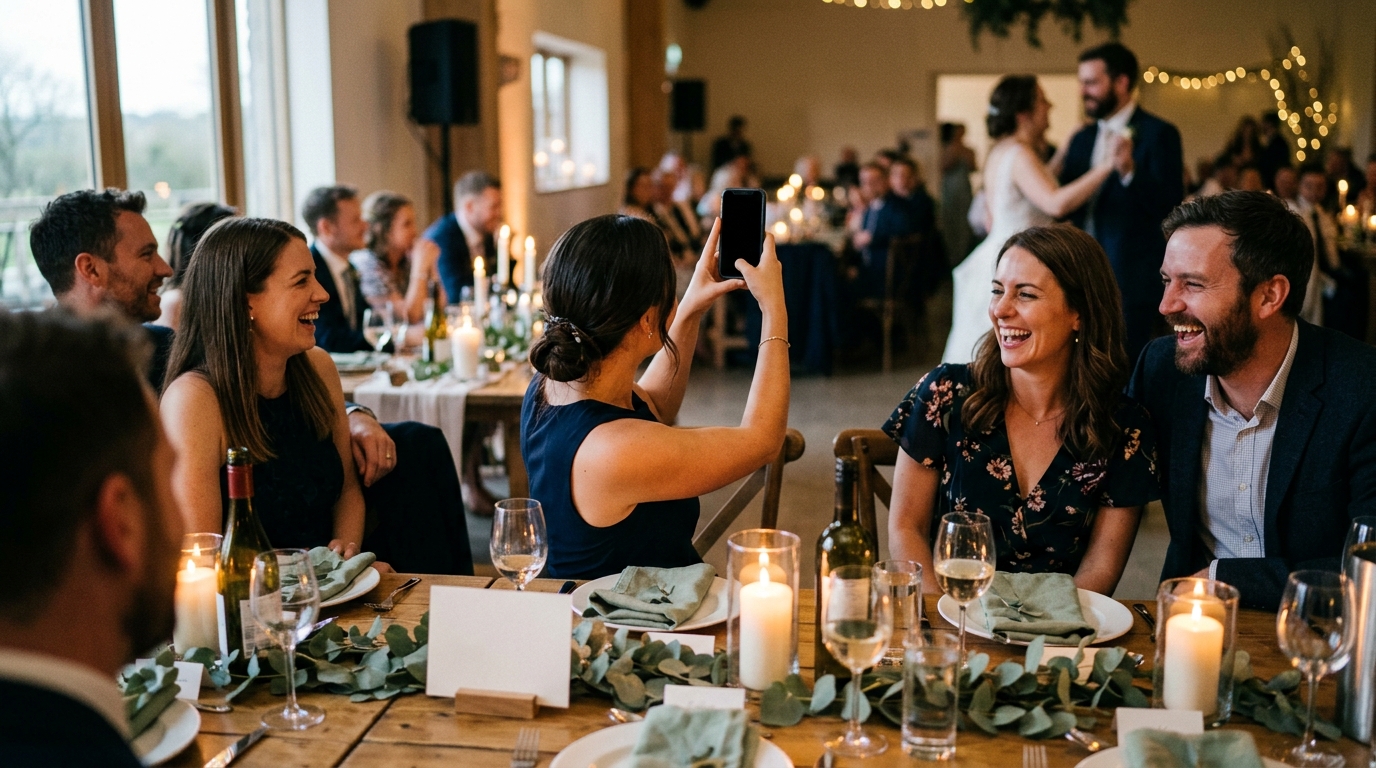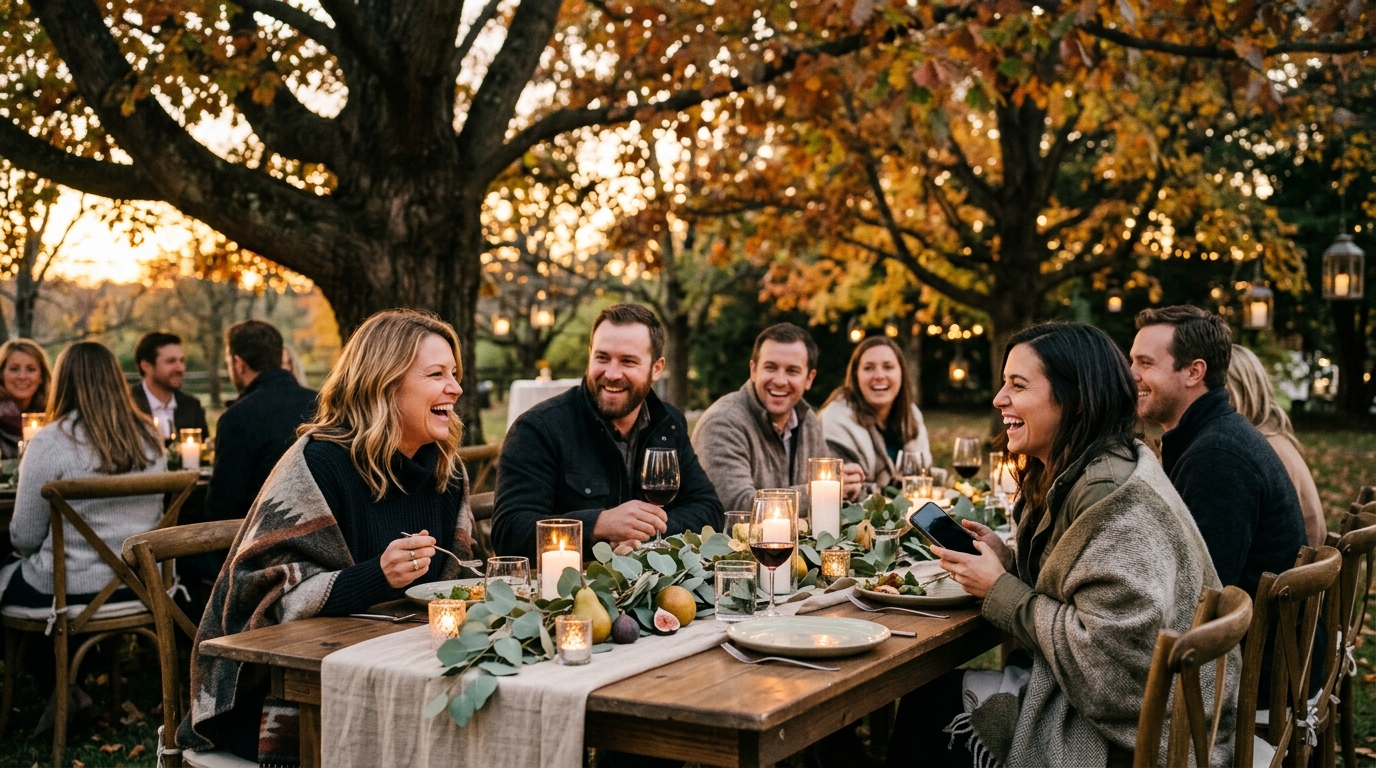

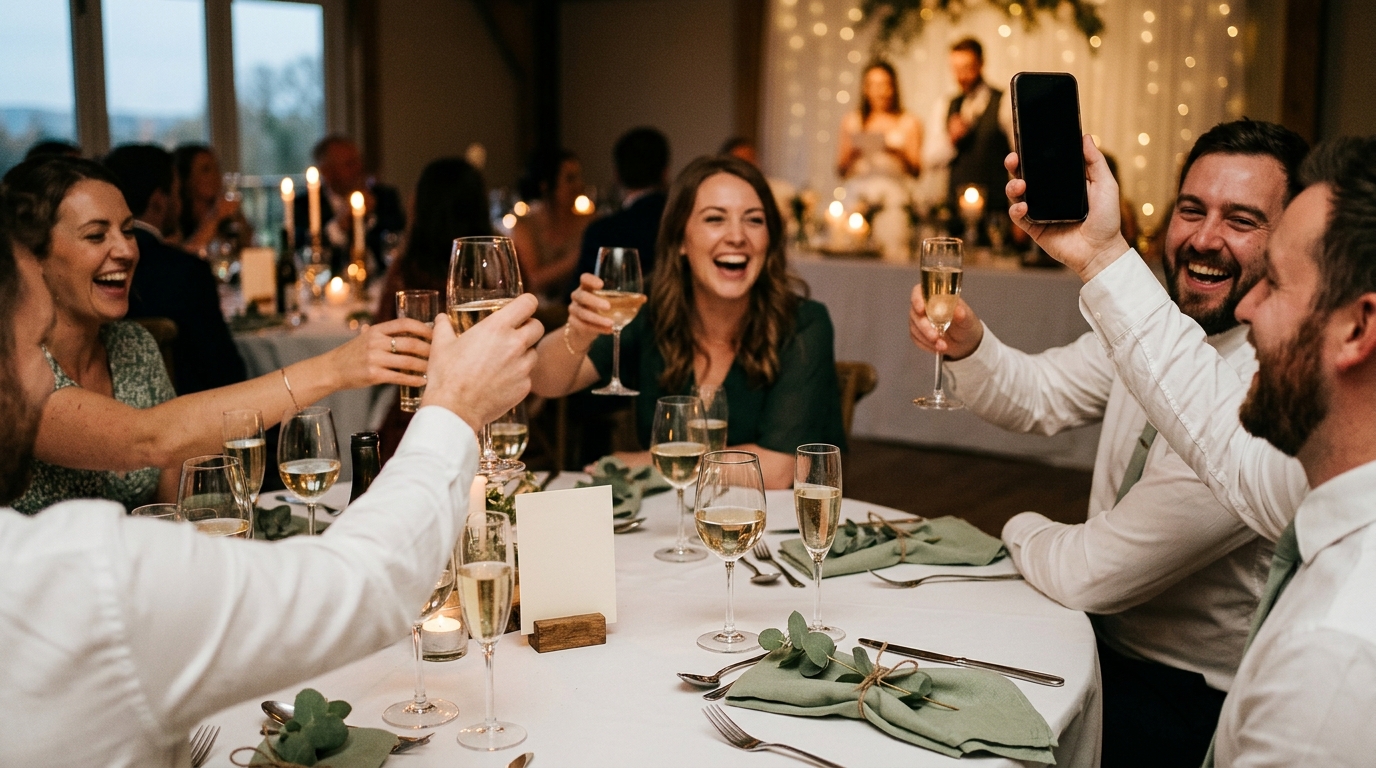
Somewhere in the room, while the photographer is framing the two of you under the arch, your college roommate is taking the picture you will love most: your dad wiping his eyes in the third row. The question is whether you will ever see it. Figuring out how to collect wedding photos from guests is less about technology than about timing. Ask at the right moment, in the right way, and the pictures come to you. Ask the morning after, and most of them stay buried in a hundred camera rolls.
This guide walks the whole arc: what to decide before the day, what to put in the room during it, and what to do with everything once the two of you are home.
Why the morning-after text rarely works
Almost every couple tries it. A group message the next day: "Thank you all so much! Please send us any photos you took!" A few people reply within the hour. Most mean to, and then life resumes. The text fails for ordinary reasons, none of them about your guests caring less than you hoped:
- It arrives too late. The best moment to ask for a photo is while the person is still holding the phone they took it with, not twelve hours later at a brunch.
- It asks for effort. Scroll back, pick the good ones, choose a way to send them, wait for the upload. Each step loses a few people.
- It is vague. "Any photos you took" is hard to act on. "A picture of your table" is easy.
- Sending compresses. Pictures forwarded through a group chat often arrive smaller and softer than the originals, so even the ones you get are not the ones you wanted.
Everything below is built to fix those four things: ask early, make it one step, ask for something specific, and keep the full-resolution original.
Before the day: decide what you actually want
There are two broad ways to gather guest photos, and they collect different things.
A shared album is a bucket. Everyone drops in whatever they took, and you get a long, unsorted roll: forty near-identical shots of the cake cutting and a handful of gems you have to dig for. For a very small wedding it can be enough.
Prompts work the other way around. The two of you decide in advance which moments you want, and guests are asked for those. The result is smaller, but it is the pictures you would have asked for if you could have whispered in every guest's ear. That is how Moments works: you choose the moments as photo, video and written prompts, guests scan a QR code and answer them in the browser, and everything lands in one storybook organized by moment and by guest.
If you are still comparing tools, our guide to choosing a wedding guest photo sharing app lists the questions worth asking. Whichever way you go, settle these three things a few weeks out:
- What you want back. Photos only, or short videos and written messages as well? A ten-second clip of the toast from the back of the room and a line of advice for your first year are two of the things guests are happiest to give, and a photo-only album cannot hold either.
- Who sees it. Some albums are visible to everyone who joins. If you would rather look through everything first, choose something private by default, where submissions go only to the two of you until you decide to share the link.
- Who is in charge of it on the day. Not you. Hand it to one person in the wedding party whose job is making sure guests know the code exists.
If you go with prompts, write them now, not the night before. Start from a template of suggested moments, cut the ones that do not fit your day, and add the ones only you would think of. Most couples land between six and ten; more than that and guests stop reading.
How to collect wedding photos from guests during the day
The room does most of the work if you set it up right. Guests should never have to go looking for how to share, and they should be reminded at the moments when they naturally have phones out.
Where the QR codes go
- One large sign by the entrance, at eye height, where people pause on the way in. A short line under the code is enough: "Help us remember tonight. Scan to share your photos."
- A small card on every table, so nobody has to walk back to the entrance. The lull between courses is when a table card gets picked up and read.
- A code in the program for a ceremony with a printed order of service, so the guests who take pictures of the processional know where to send them before cocktail hour starts.
Guests scan the code with their phone camera and the prompts open in the browser. No app to download, no account to make. Every extra step at a wedding, when someone has a drink in the other hand, loses a few more people.
Who says what, and when
- The welcome. Whoever greets the room, an officiant, a parent, the couple, says one sentence: "There is a code on your table if you want to share what you capture tonight."
- The toasts. The best man or maid of honor can end with it: "And if you got a good shot of that, the code is on your table." It lands because everyone just took one.
- The DJ or band. One reminder before the dance floor opens, one before the send-off.
Do not worry about the venue's signal. Guests can capture whenever they like and submit once they have a connection again, in the car or at the hotel. What matters is that they were asked while it was happening.
Prompts guests will answer without being nagged
Specific beats general every time. Here is a set a couple might use, written the way you would type them for your guests.
- photoA picture of everyone at your table, before the plates arrive.
- photoThe two of us from wherever you were sitting during the ceremony.
- photoSomeone crying, laughing, or both, and they do not have to be us.
- photoYour favorite detail in the room: a flower, a place card, the cake, the view.
- photoA picture with the two of us before the dancing starts.
- photoThe dance floor from the middle of it.
- videoTen seconds of the first dance, filmed from wherever you are standing.
- videoA message for us to watch on our first anniversary.
- videoThe send-off, from the crowd, not the front.
- writtenHow the two of you first met one of us, in your own words.
- writtenYour best piece of advice for our first year of marriage.
- writtenOne thing you noticed today that you think we missed.
Notice that most of these are not "take a picture of the couple." The photographer has that covered. What your guests can give you is the room from every seat in it.
A timeline for collecting guest photos
Here is where each piece fits across a typical day.
| Part of the day | What guests capture | What to have in place |
|---|---|---|
| Getting ready | The quiet minutes, the details, the nerves | The wedding party has the link already and a couple of prompts just for them |
| Ceremony | The processional and the vows from every row | A code in the program or on a sign at the seating entrance |
| Cocktail hour | Groups, reunions, the first pictures with the two of you | The entrance sign and one mention in the welcome |
| Dinner and toasts | Table photos, the toasts, the reactions | Table cards; the toasters end with a reminder |
| Dancing | The first dance, the floor from the middle, the late-night crowd | One line from the DJ before the floor opens |
| Send-off | The exit from the crowd | A last reminder, then nothing else to do |
| The days after | Anything captured with no signal | A thank-you note that mentions the code is still open |
The last row is the one couples forget. Some guests will submit from the airport or the following weekend. Keep the prompts open for a week or two, and say so in your thank-you message.
After the day: what to do with what came in
If you used a shared album, block out an evening for deleting duplicates and trying to remember which cousin took which picture.
If you used prompts, the sorting is already done. In the Moments storybook, every photo, clip and note arrives grouped by moment and by the guest who captured it, credited to them, at full resolution and yours to download. Start by reading the written ones together. Then look at a single moment, the first dance, say, from every angle at once.
Two small things make the collection better afterward:
- Thank people by name. Because each submission is credited, you can tell your aunt that her picture of your grandmother is the one on the fridge.
- Share on your terms. Everything stays private to the two of you by default. When you are ready, share the link with the family, or with the guests who could not make it, so they see the day through everyone who was there. The three steps, scan, answer and storybook, are laid out on the how it works page if you want to see the whole loop before you set it up.
Mistakes that quietly lose you the best pictures
- Asking only once. One sign at the entrance is not enough. The table card and the reminder at the end of the toasts do more work than the sign.
- Making guests install something. The older relatives with the best stories are the first to give up on an app store. A code that opens in the browser keeps them.
- Vague prompts. "Share your photos" gets less than "a picture of your table before the plates arrive."
- Assuming the photographer has it. They have the day you planned. They cannot be at the bar during the ceremony or at the back table during the first dance.
- Waiting for the morning after. If you take one thing from this guide, take this: ask while it is happening, not once it is over.
Collecting wedding photos from guests is mostly a matter of removing reasons to say "later." Put the code where they are, ask for something specific, and let them send it whenever they have signal. The pictures you did not know were being taken will find their way to you.